


A mekteb is a community, and the same person often has more than one part in it. A muallim may also be a parent. A board member may help in the classroom. Mektebi is built for this.
One login, several roles
Each person has one login: a name, an email address, a profile photo and a password. At a mosque, the person has one or more roles. The four roles are:
- Admin. Runs the mekteb: the school years, levels, courses, groups, rooms, people and notices.
- Muallim. Teaches. Plans lessons, takes attendance, sets assignments and gives grades for their own courses.
- Student. Follows the courses, hands in assignments and sees their own progress.
- Parent. Sees the progress and timetable of their own children and talks to the muallims and the mosque office.
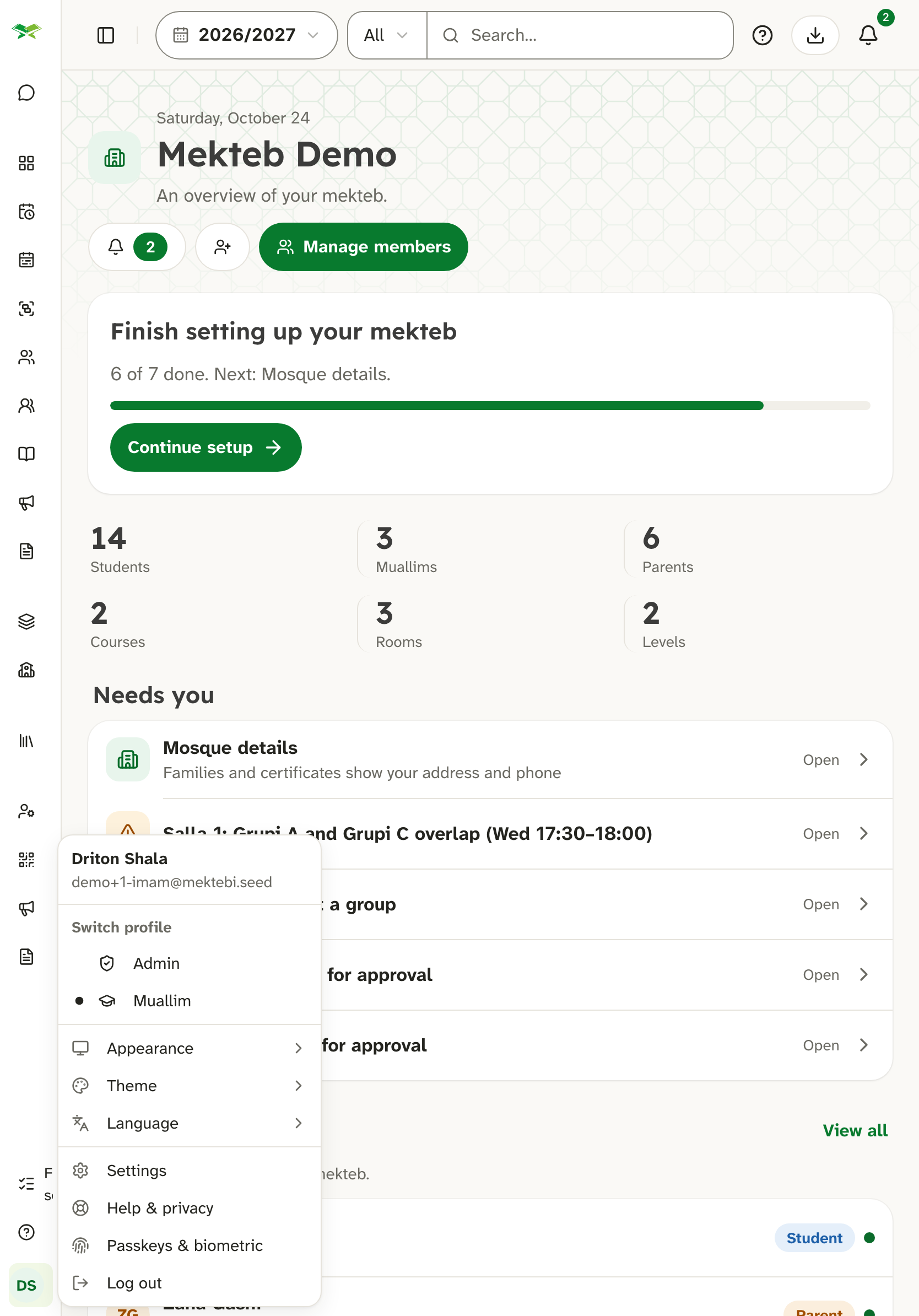
When someone has several roles, they switch between them from the profile menu. Each role shows its own screens. The open role decides the home page and the menu. Admin rights belong to the person, though: someone who is both admin and muallim can still change the mekteb's setup from the muallim screens.
Joining a mosque
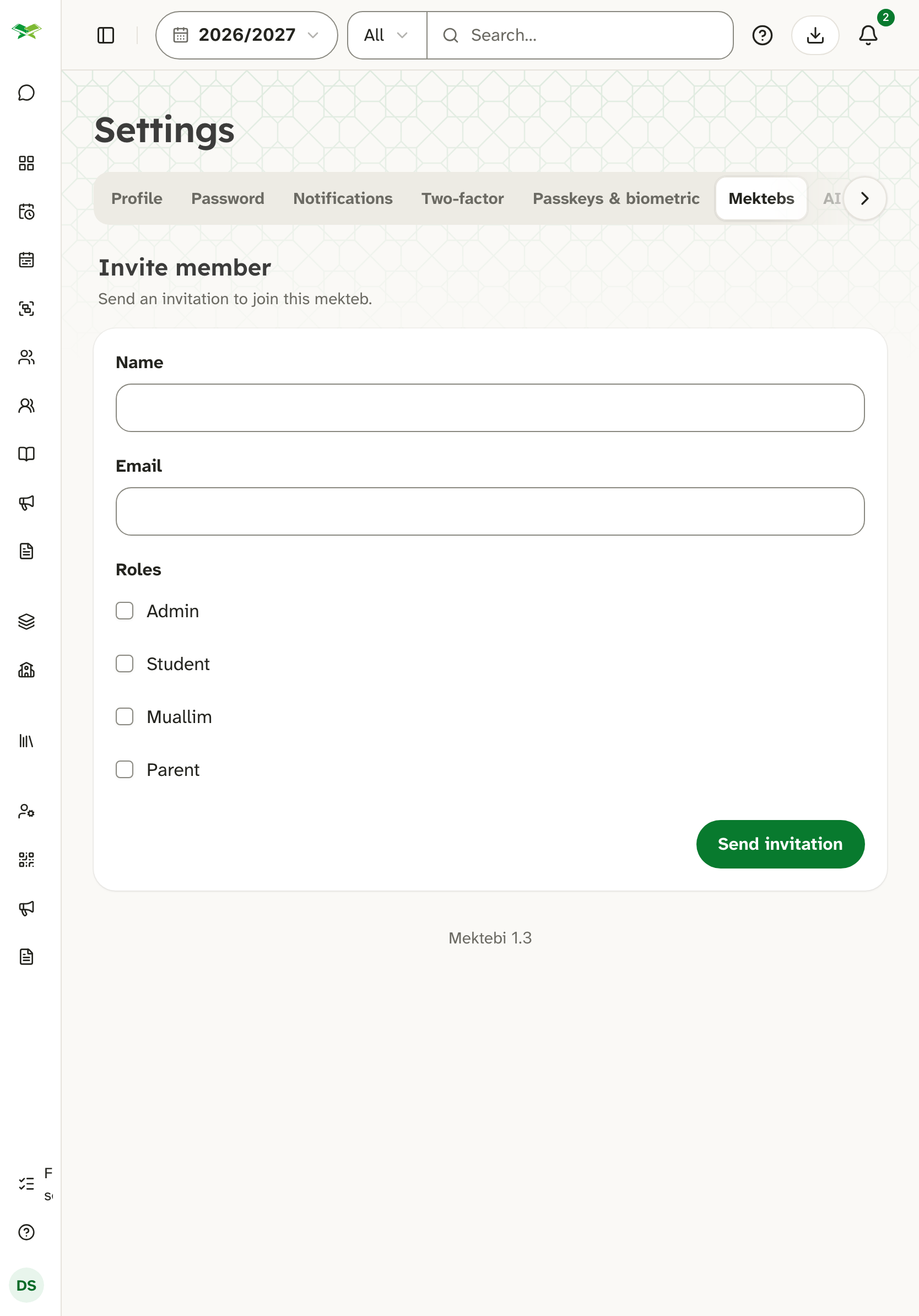
A muallim or a second admin is invited by email. The invitation is a link: the person accepts it, creates their login and joins. Until it is accepted, the invitation stays visible to the mosque's admins, who can send it again.
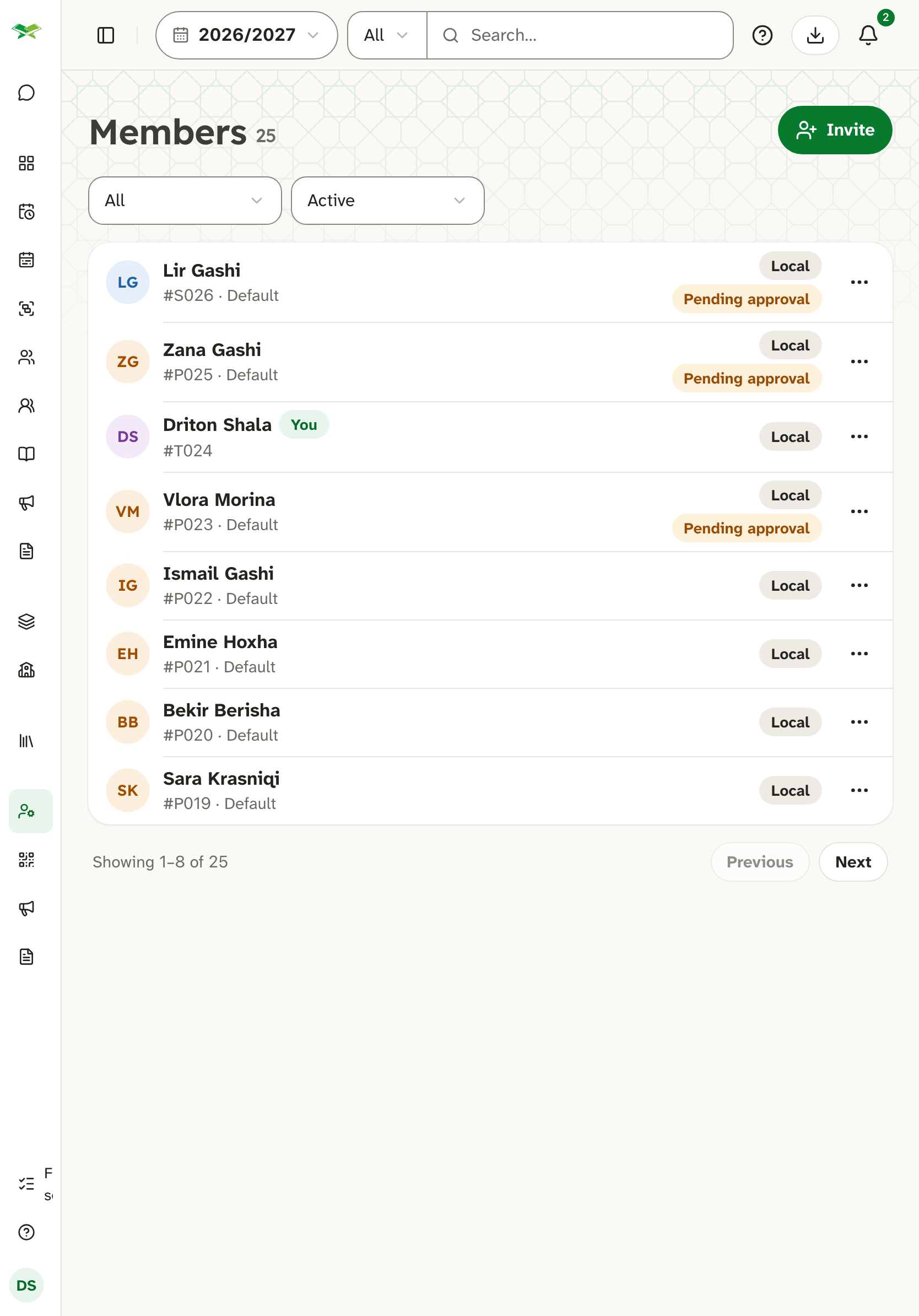
Families register themselves. The mosque prints a poster with a code, or shares a link, and parents add themselves and their children in a short form. Nothing is created in the classroom until the mosque has looked at it.
The mosque can also add a family itself: an admin or a muallim enters a child together with their parents, or adds a parent to a child who is already registered. A parent added this way is approved at once.
The mosque approves families
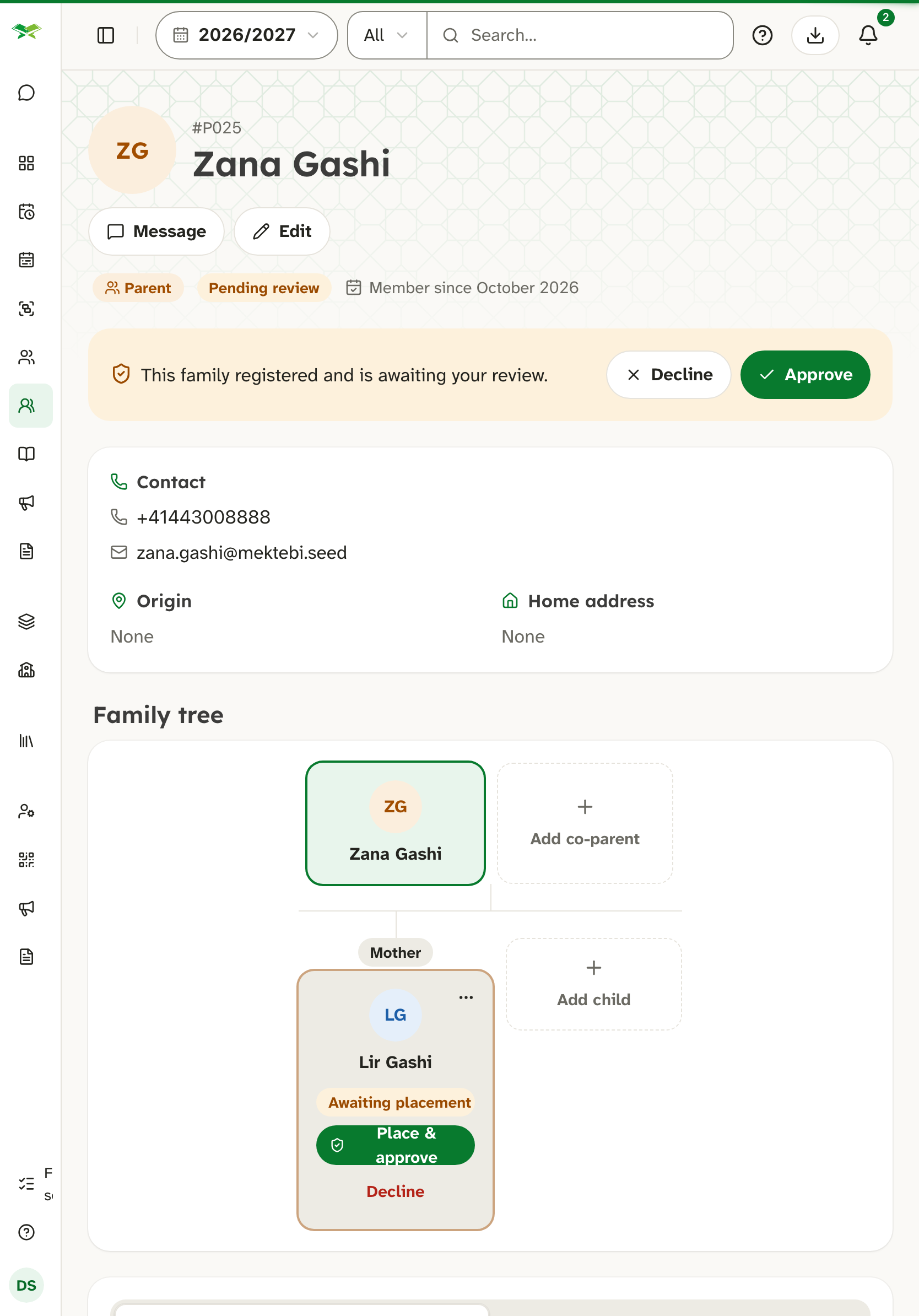
A new family waits for the mosque's review. An admin or a muallim checks the parent's details and the children and approves them. Only an admin places each child on a level and in a course; a child that a muallim approves waits on the Mekteb plan until an admin places it. A registration that is not meant for this mekteb can be declined, and a reason can be given.
Children
Many students are children. A child is added by their mosque, which is responsible for any consent that is needed. Parents manage their children through their own login. The privacy policy describes how children's data is handled.
One login across several mosques
A person can belong to more than one mosque with the same login. At each mosque they have a separate profile. The guarantees are these:
- A mosque cannot see what the person does at another mosque. Enrolments, grades, attendance and notes stay at the mosque where they belong.
- The login itself belongs to the person. A mosque cannot change the name, email address, photo or password of someone who also belongs to another mosque.
- The person's name, email address and photo are visible to every mosque they belong to.
Binding texts
The binding texts are the privacy policy, the data processing agreement and the terms. If anything here differs from them, those texts apply.