


Mektebi is available as an app for iPhone and iPad from the App Store and for Android from Google Play. You can also use it in any browser. It is the same Mektebi in all three places.
The apps show the live website
The apps are a frame around the Mektebi website, with a few things only a phone can do, such as a tab bar at the bottom and notifications. Everything you see inside, the courses, the chats, the timetable and the grades, comes from the live website, with the same data and the same rules for each role. Whatever the privacy policy says about the website applies to the apps as well.
Why most updates need no installation
Because the apps show the live website, an improvement to the website reaches every installed app at the same moment. A new screen, a fixed mistake or a better text appears the next time the app opens. Nobody has to wait for a store, and nobody is left on an old version of the screens.
This also means the website must keep working in the apps people already have. Some people update their phone apps late or never, and Mektebi is built so that these older apps still work.
When the store is involved
A small part of the apps lives on the phone itself, such as the bottom tab bar, the way notifications arrive, the permission questions and the app icon. A change to that part reaches people only with a new version of the app from the App Store or Google Play. The store checks the new version first, and then each person installs it when their phone updates. That takes days or weeks, so it happens rarely and only when it is needed.
If a new feature depends on something in the app itself, Mektebi checks first whether your app can do it. An older app keeps working in the usual way and simply does not get the extra.
What the apps ask your phone for
- Notifications. Only if you allow them. You can turn them off on your phone at any time, and you can choose which kinds you want in your notification settings. Chapter Messages, notices and emails explains what arrives.
- Microphone. Only while you record a voice message or a recitation.
- Camera. Only when you take a photo to send in a chat, to attach to an assignment or to answer a lesson exercise.
- Face ID. On iPhone and iPad, only if you switch on the app lock (see chapter Security and privacy).
Your phone always asks you first, and you can take the permission back at any time in your phone's settings.
No advertising, no tracking
The apps contain no advertising, no tracking and no analytics from other companies.
Your account in the app
You can delete your account yourself, in the app or on the website, under Settings and then Danger zone. The privacy policy describes what is deleted.
What's new
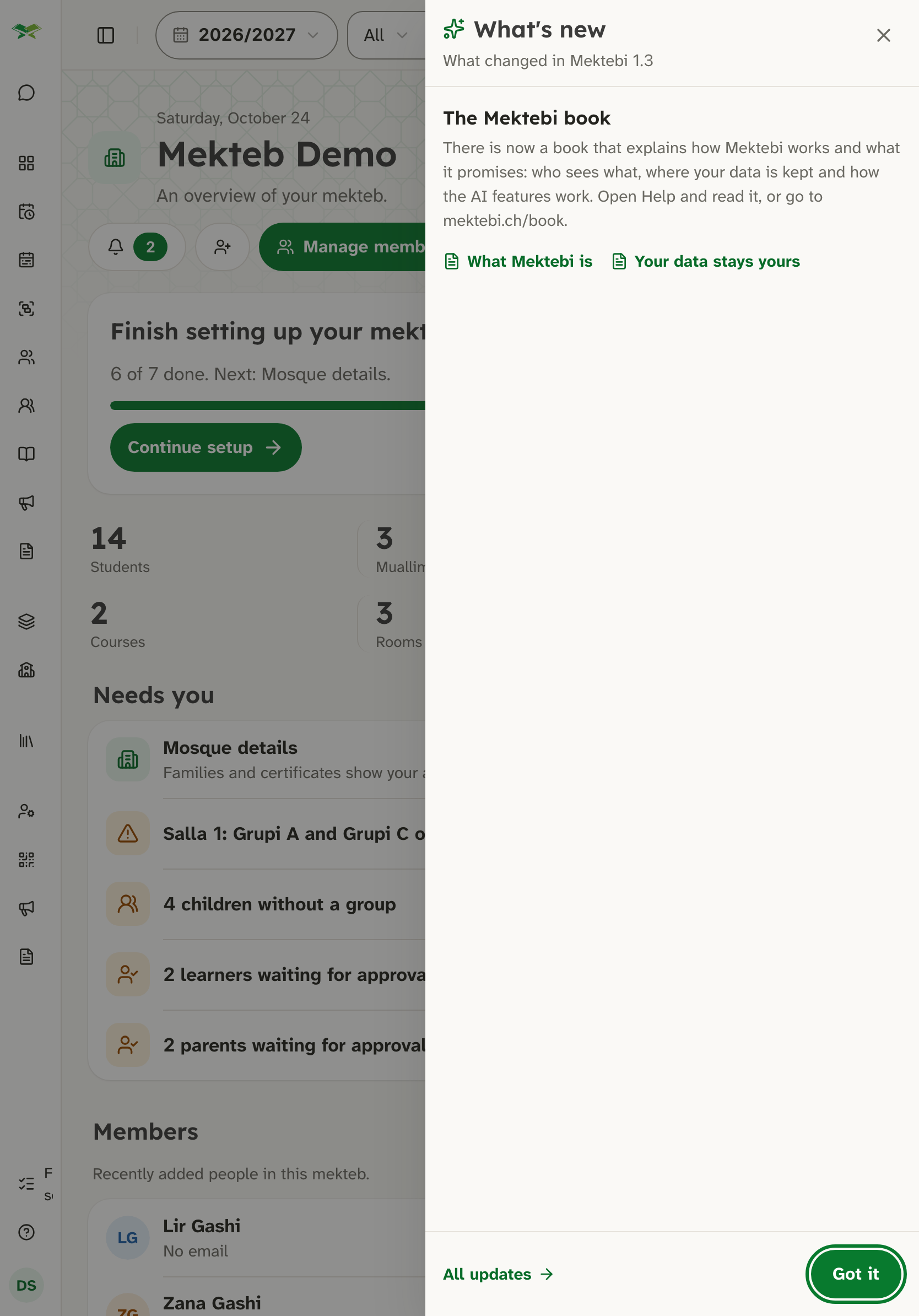
When a new version brings something for you, a short What's new sheet opens once, in the app and on the website alike. Chapter Versions and what's new explains it.
Where to see which version you have
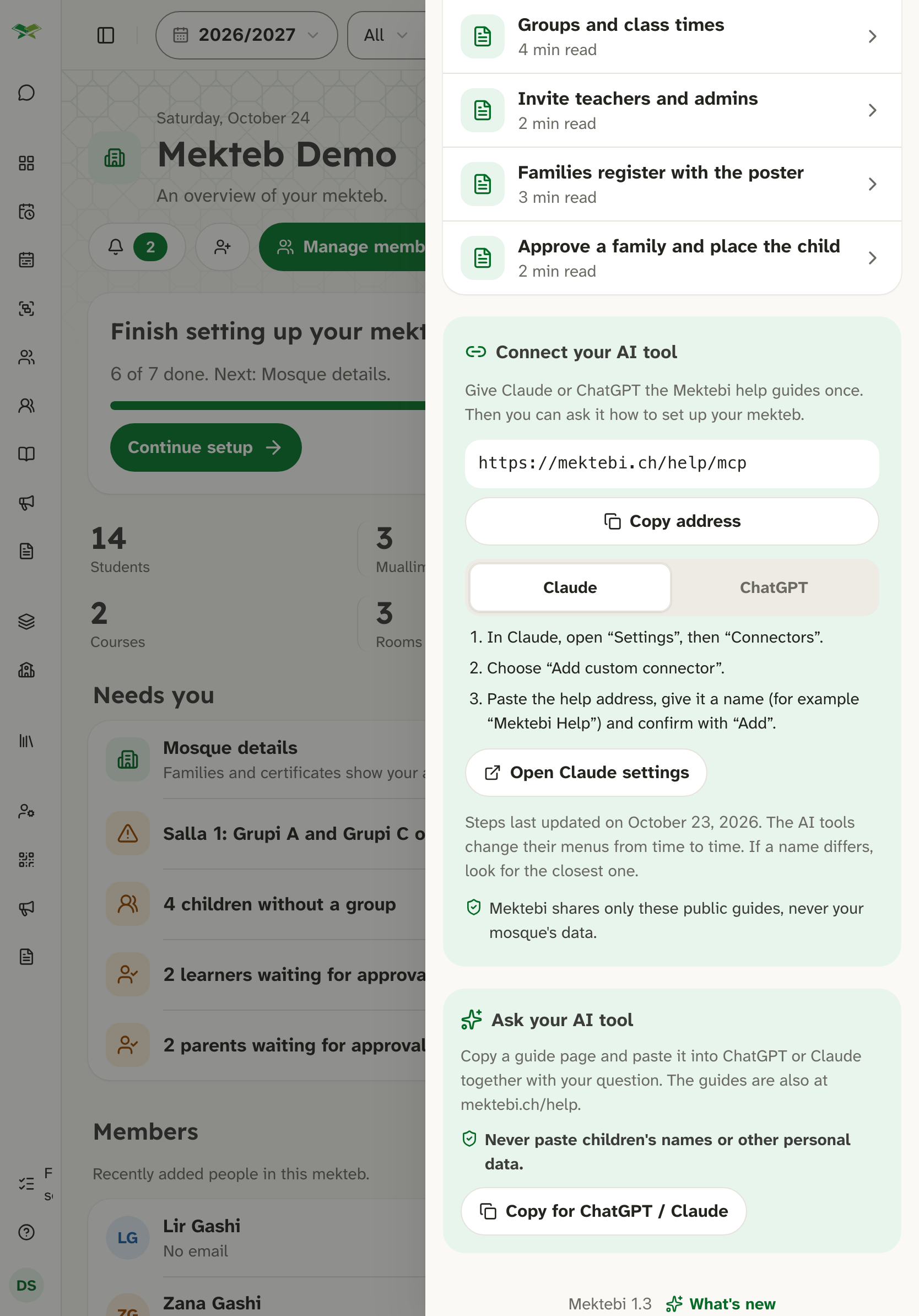
The Help panel and the settings show the version of Mektebi, for example "Mektebi 1.3". It is the same number on the website and in the apps. The App Store and Google Play show a number of their own for the app itself, which changes only with a new version from the store. Chapter Versions and what's new explains what it means.
Binding texts
The binding texts are the privacy policy, the data processing agreement and the terms. If anything here differs from them, those texts apply.